The LMS built around SCORM
Upload your SCORM 1.2 and SCORM 2004 packages and they just work — tracked, secured, versioned and ready to brand, share and sell.
Your SCORM content deserves a proper home
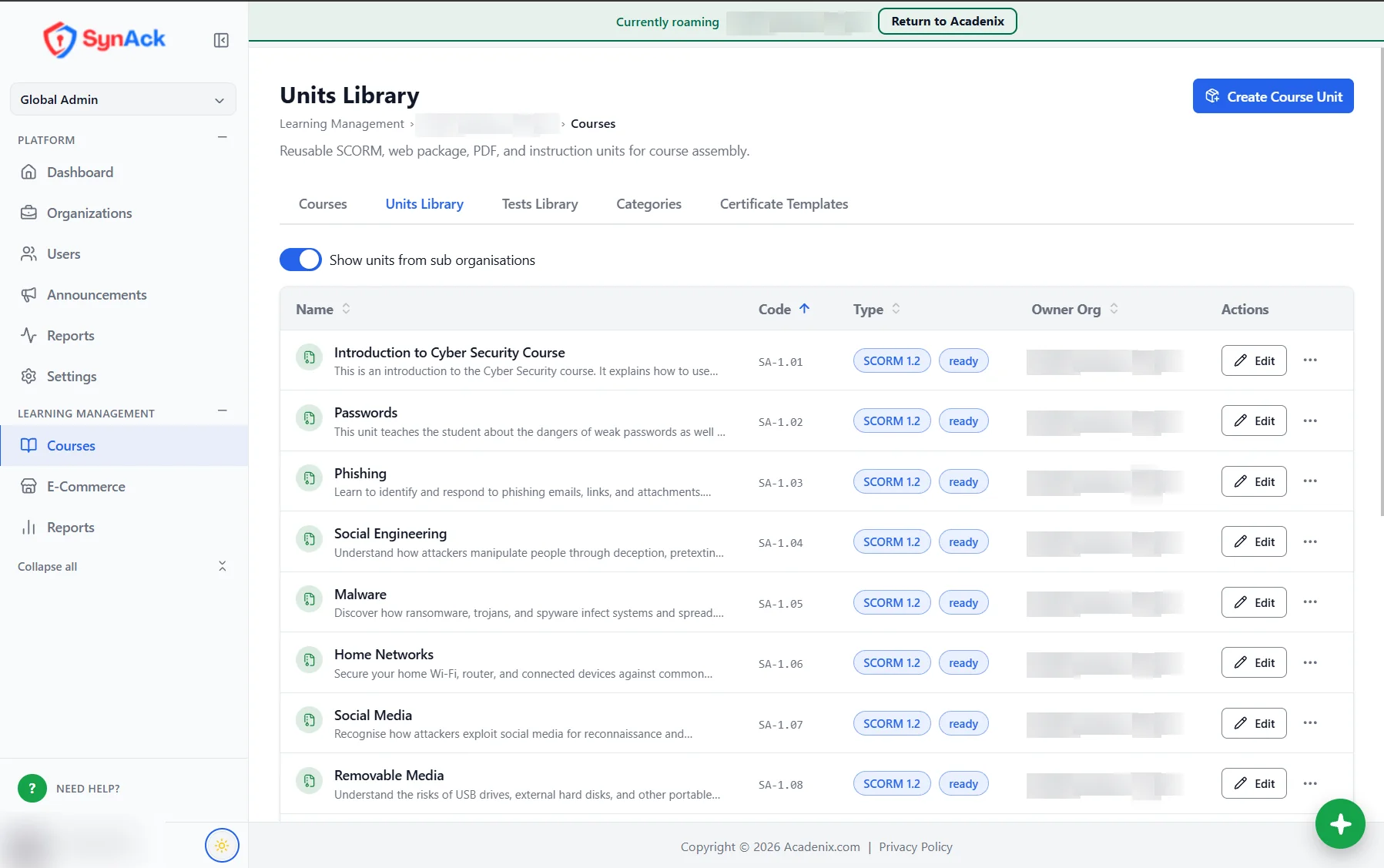
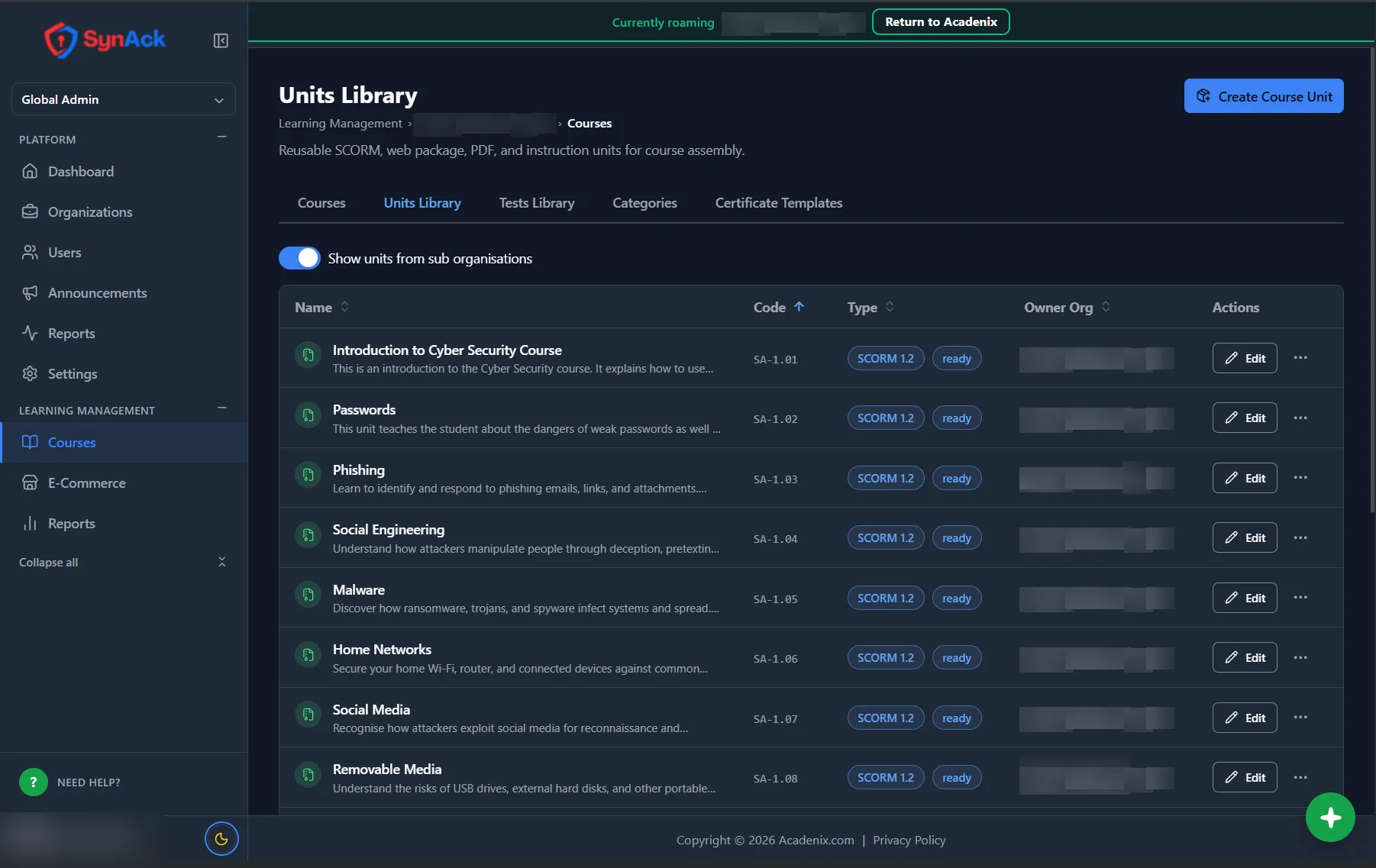
SCORM is how most e-learning is built — by authoring tools, content libraries and training vendors. Acadenix is designed around it: every SCORM package becomes a reusable unit you can put in any course, track in detail, update without breaking anyone's progress, and deliver privately to every organisation you work with.
Everything your SCORM courses need
From the first upload to the certificate at the end.
SCORM 1.2 and SCORM 2004
Upload zipped SCORM 1.2 or SCORM 2004 packages up to 100 MB each. HTML5 web packages, PDFs and written pages sit alongside them.
Reusable SCORM units
Every package goes into a units library. Use the same SCORM unit in as many courses as you like — upload it once.
Versioning that respects progress
Upload a new version of a SCORM package and choose whether people part-way through restart on it or finish the version they started.
SCORM tracking and reports
Progress, scores and completion are recorded for every learner, with a dedicated SCORM report alongside course, certificate and test reports.
Private, secure delivery
SCORM files are served from a separate, sandboxed content address with short-lived signed access, so your content can't be hot-linked or shared.
Honest time in course
Time only counts while the SCORM content is on screen and pauses when the tab is hidden — and it's printed on certificates.
Tests after SCORM
Follow your SCORM units with a built-in test: pass marks, retakes, time limits and coaching feedback.
Certificates on completion
Issue branded certificates when learners finish, with validity dates and a public verification page.
Preview as a learner
Open any SCORM unit exactly as your learners will see it before you publish the course.
One SCORM package, every organisation
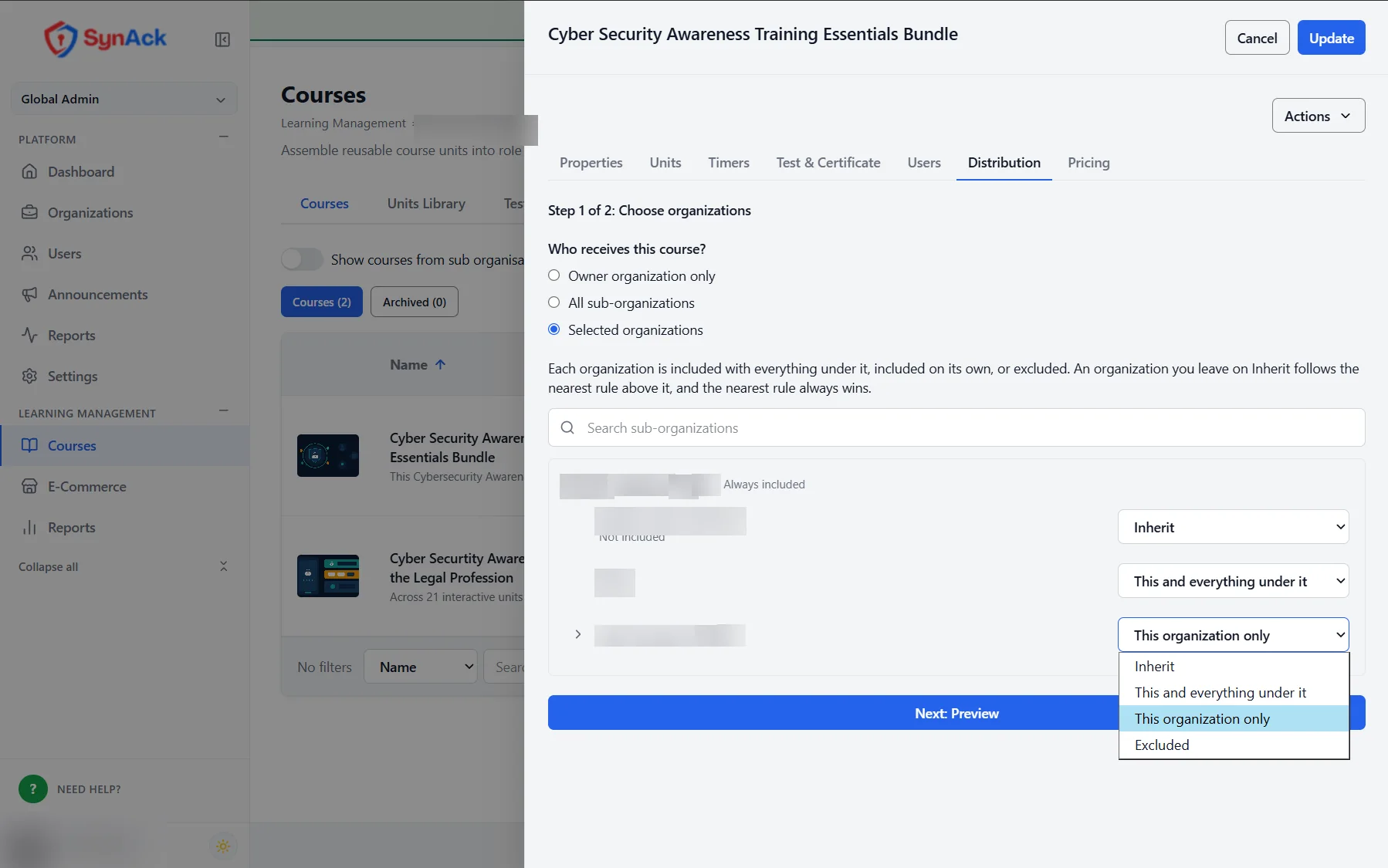
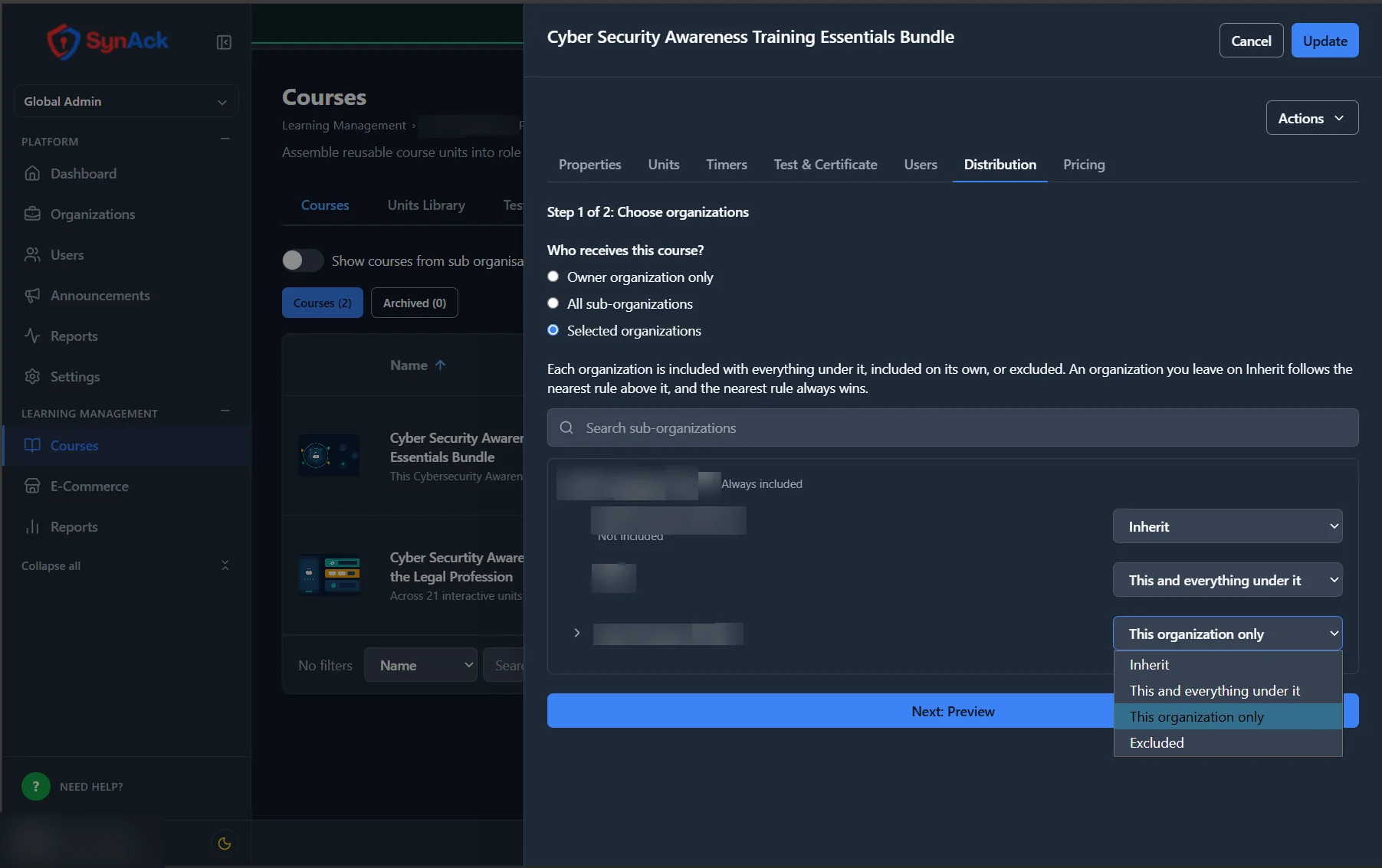
Share a SCORM course with every organisation below you, or only the branches and clients you choose. Receiving organisations can't change it — and on Silver and Gold you can sell it per learner and see your margin.
- Distribute SCORM courses across your organisation tree
- Price SCORM courses per learner, paid from training credit
- Learners can copy their SCORM history when they move within your group
SCORM compliance training that renews itself
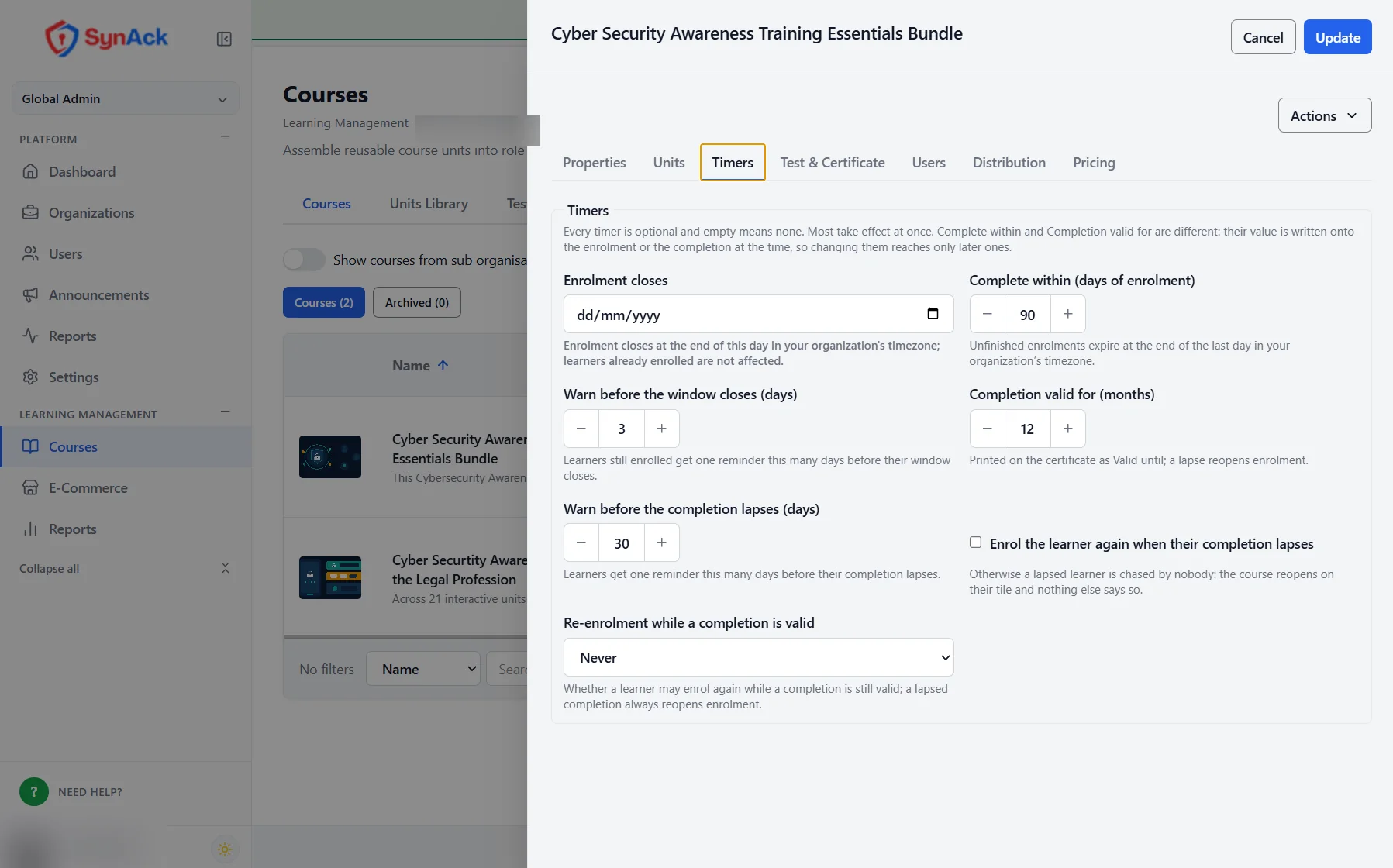
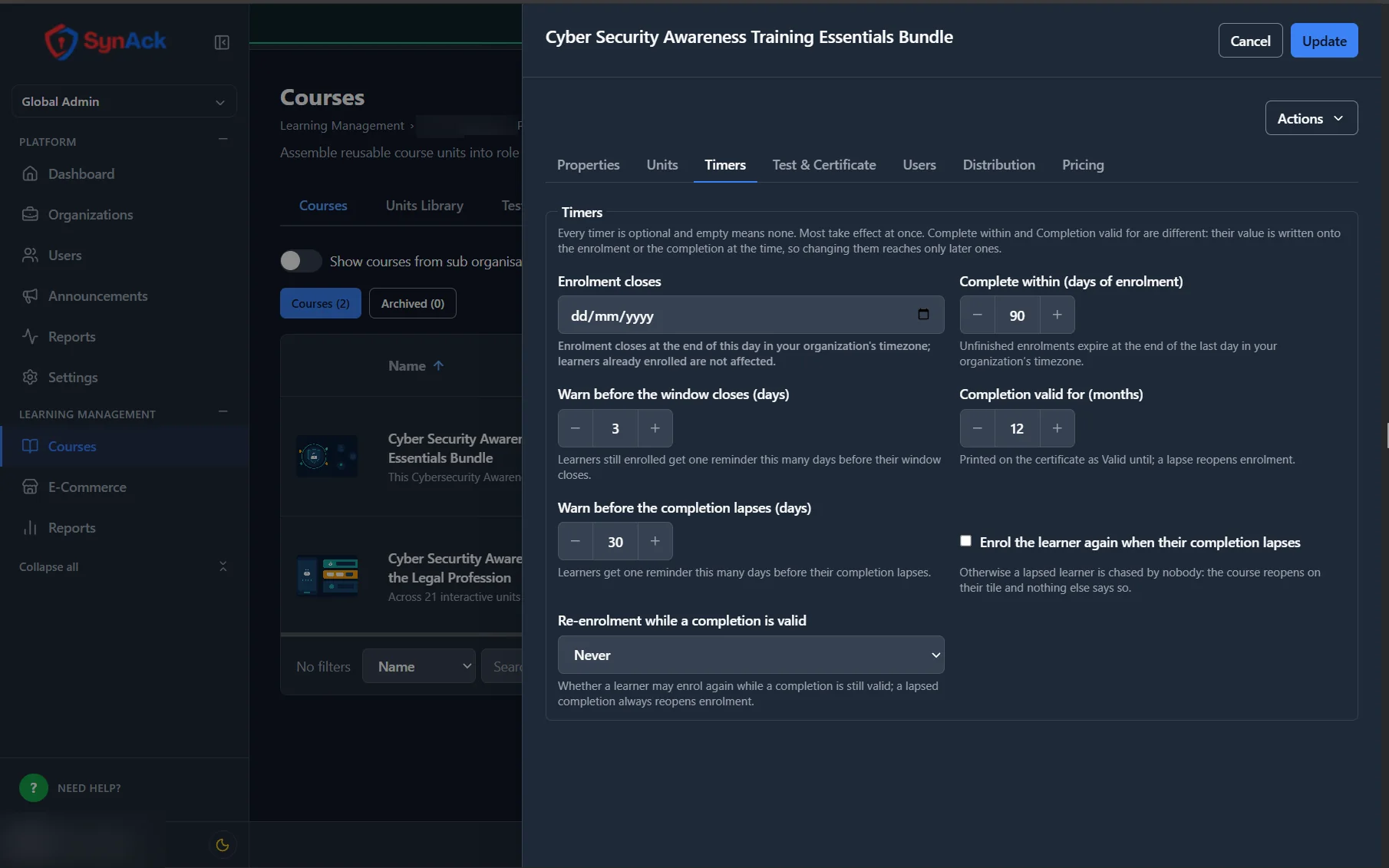
Wrap your SCORM units in deadlines, validity periods and automatic re-enrolment, so recurring compliance training stays current without anyone chasing.
- Set a number of days to complete, with a reminder email
- Completions valid for a set number of months
- Automatic re-enrolment when a completion lapses
From SCORM zip to certified learner
1. Upload your SCORM
Add SCORM 1.2 or SCORM 2004 zips to the units library — straight from your authoring tool or content vendor.
2. Build the course
Put units in order, add a test and a certificate, and set deadlines or validity periods if you need them.
3. Enrol and track
Invite learners, and follow progress, scores and completions in the SCORM and course reports.
SCORM questions
Bring your SCORM. See it running.
Request an evaluation and upload the SCORM packages you already have.